Which Canon scanner software do you need?
Match the product family before downloading.
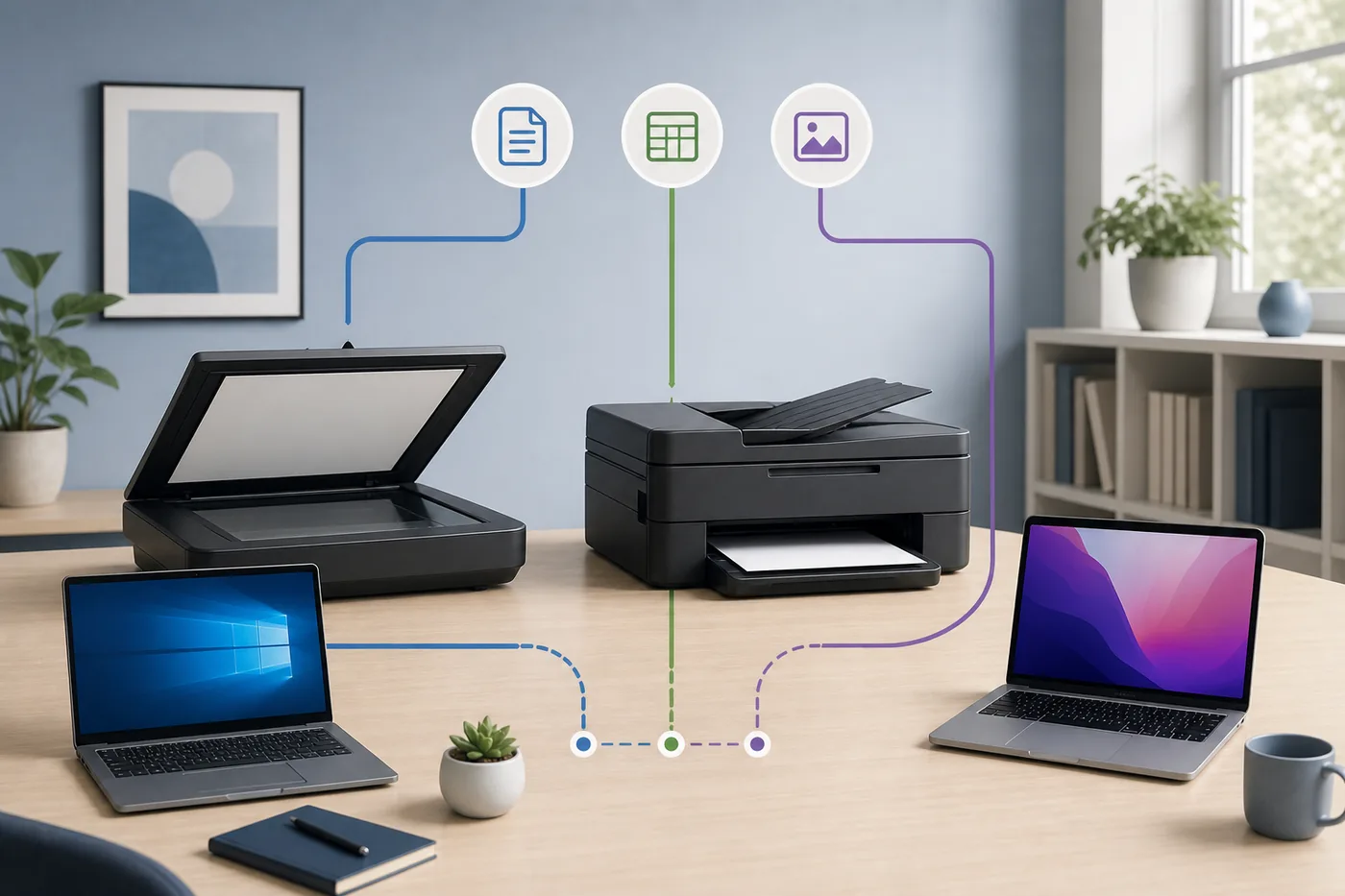
A Canon scanner software download is not one universal installer. PIXMA, MAXIFY and many CanoScan devices commonly use IJ Scan Utility or IJ Scan Utility Lite; imageCLASS and i-SENSYS models commonly use MF Scan Utility; ScanGear supplies model-specific driver controls. Start with the full model number, operating system and connection type.
A complete setup package may already include the utility. Read the official package description instead of downloading a second unrelated installer.
| Product | Likely software | Action |
|---|---|---|
| PIXMA / MAXIFY | IJ Scan Utility | Official model page |
| CanoScan | IJ Scan Utility / ScanGear | Check OS compatibility |
| imageCLASS / i-SENSYS | MF Scan Utility | Use MF package |
| Advanced controls | ScanGear | Install model driver |
Use the official Canon download route
Start with the exact device page, operating system and package description.
Enter the full model on Canon support, choose the installed operating system and verify whether the item is a setup package, scanner driver or scanning utility. There is no stable direct file for every Canon scanner.
- ModelRecord the complete model and suffix.
- SystemConfirm Windows or the exact macOS release.
- PackageRead the scanning purpose and compatibility.
- VerifyCheck the Canon domain, publisher and filename.
Latest-version and security notes
Canon identifies IJ Scan Utility 1.6.0 as the corrected Windows release for affected lines and IJ Scan Utility Lite 4.2.0 in current Mac guidance. MF Scan Utility remains model, package and region dependent, so every download link uses an official Canon page fallback.
Version numbers can differ when a utility is bundled inside a model-specific setup package. Treat the official model page as the source of truth on the installation date.
USB or Wi-Fi changes scanner detection
The correct package can still show no scanner when the connection path is wrong.
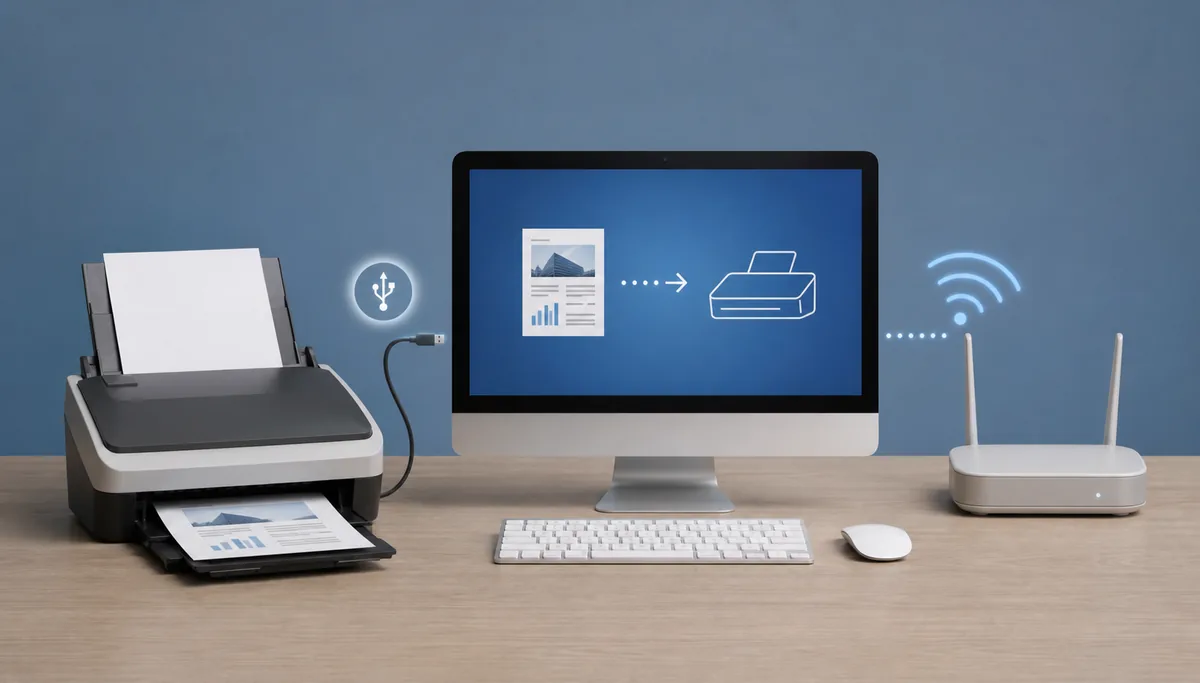
For USB, use a data-capable cable. For Wi-Fi or Ethernet, keep the computer and scanner on the same normal LAN; guest networks, VPNs and stale duplicate entries can block discovery.
Avoid the wrong Canon scanner download
App, driver and utility do not always mean the same package.
Canon PRINT mobile software does not always replace desktop scanning software. Avoid download managers, repacked archives and pages that promise one latest installer for every Canon model.
Official Canon support
Use the regional Canon site for the exact device and review legacy compatibility notes when the model is no longer current.
Canon scanner software download FAQ
IJ Scan Utility or MF Scan Utility?
Use IJ for supported PIXMA, MAXIFY and CanoScan products; use MF Scan Utility for supported imageCLASS and i-SENSYS MF devices.
Is IJ Scan Utility 1.6.0 the latest version?
Canon identifies 1.6.0 as the corrected Windows release for affected lines. Confirm the package on the exact model page.
Can one direct link work for every Canon scanner?
No. Packages vary by product family, operating system, region and license flow.
Why is the scanner not detected?
Check the scanner driver, USB cable or local network and select the matching device entry.